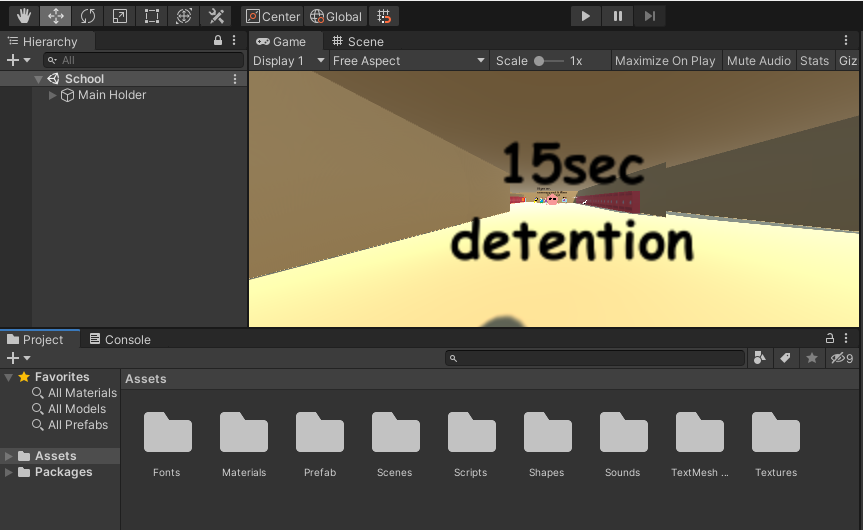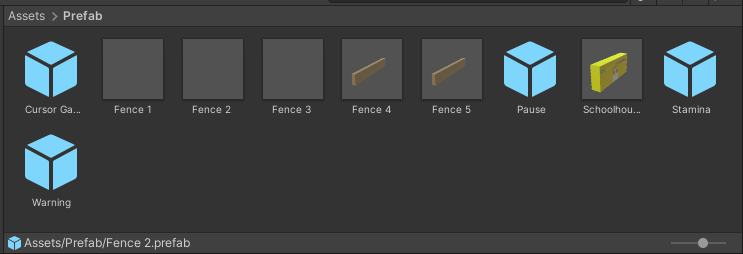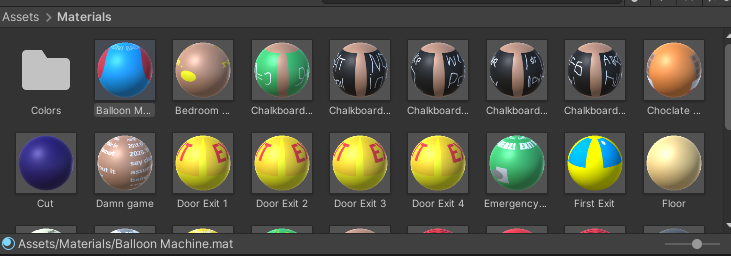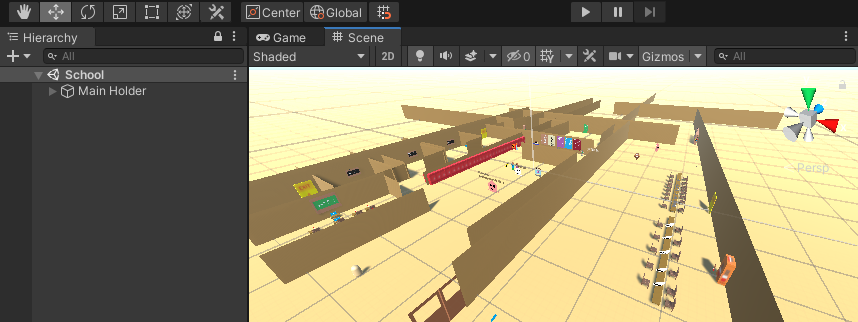
T7's Basics™ Mod Template Recompile
A downloadable template mod
Want modded games?
Yes. This is the official modding template recompile by me.
Now you can make your own mod!
Requirements
Unity 2019.4.41f1 (Recommended) or 2018.3.9f1 (Remove TMP!)
Disclaimer is highly recommended but also optional (you may need to create credits as it is important)
Do not use a newer version of Unity like 2020 or 6, as these can break the game!
Mods should not be paid or owned.
Download
Install instructions
You must have Unity Editor installed and ensure the shortcut version says 2019.4.41f1 or 2018.3.9f1. Then, unzip the recompile.
On Editor 2018.3.9f1, if you only want to adjust game assets and change project settings by yourself, open the program, click New, type the project name, select location, and select template 3D. Drag and drop the Assets folder from the recompile, or copy and paste instead. But if you want to keep the project settings and adjust or see how it looks like, close Editor, open Unity application again, click Open, and select the project place. This works on Windows, macOS, or Linux.
On Editor 2019.4.41f1, open the application, click open project, and select the template recompile. Again, for only asset drop, click new project, select location (no need to select template, it will already select 3D), and drag and drop or copy and paste Assets folder into the new project. Again, it works on Windows, macOS, or Linux.
For Godot recompile, it will not be added because the game was fully built with Unity (C#).
Development log
- A new thing45 days ago
- New edited thing66 days ago
- Bug fix: T7 angry script (Shake removed)70 days ago